To ensure your company's superannuation percentages are accurate and up-to-date, follow these steps to edit the percentage within the system:
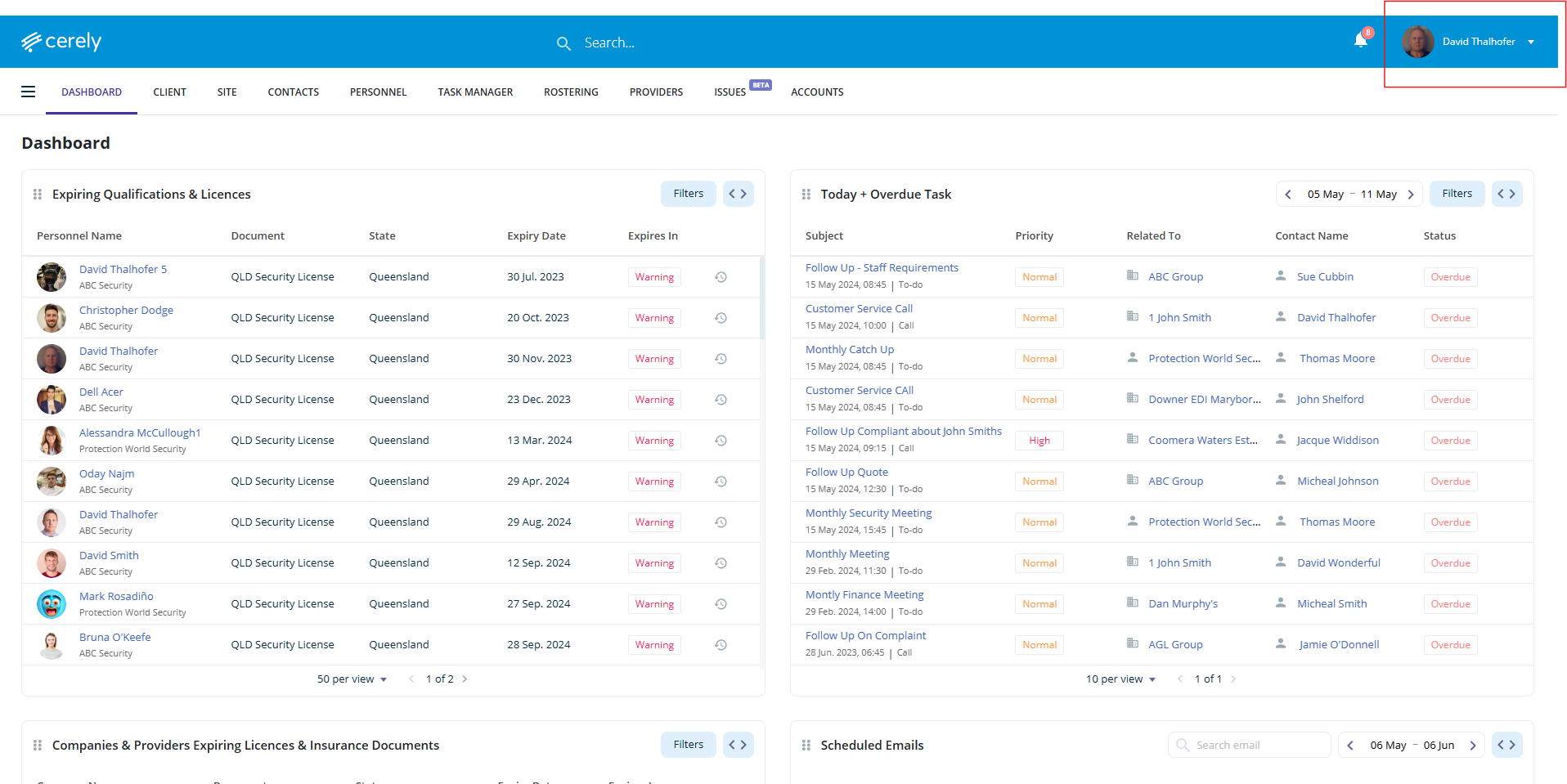
1. Click on your profile icon in the top right-hand corner of the screen
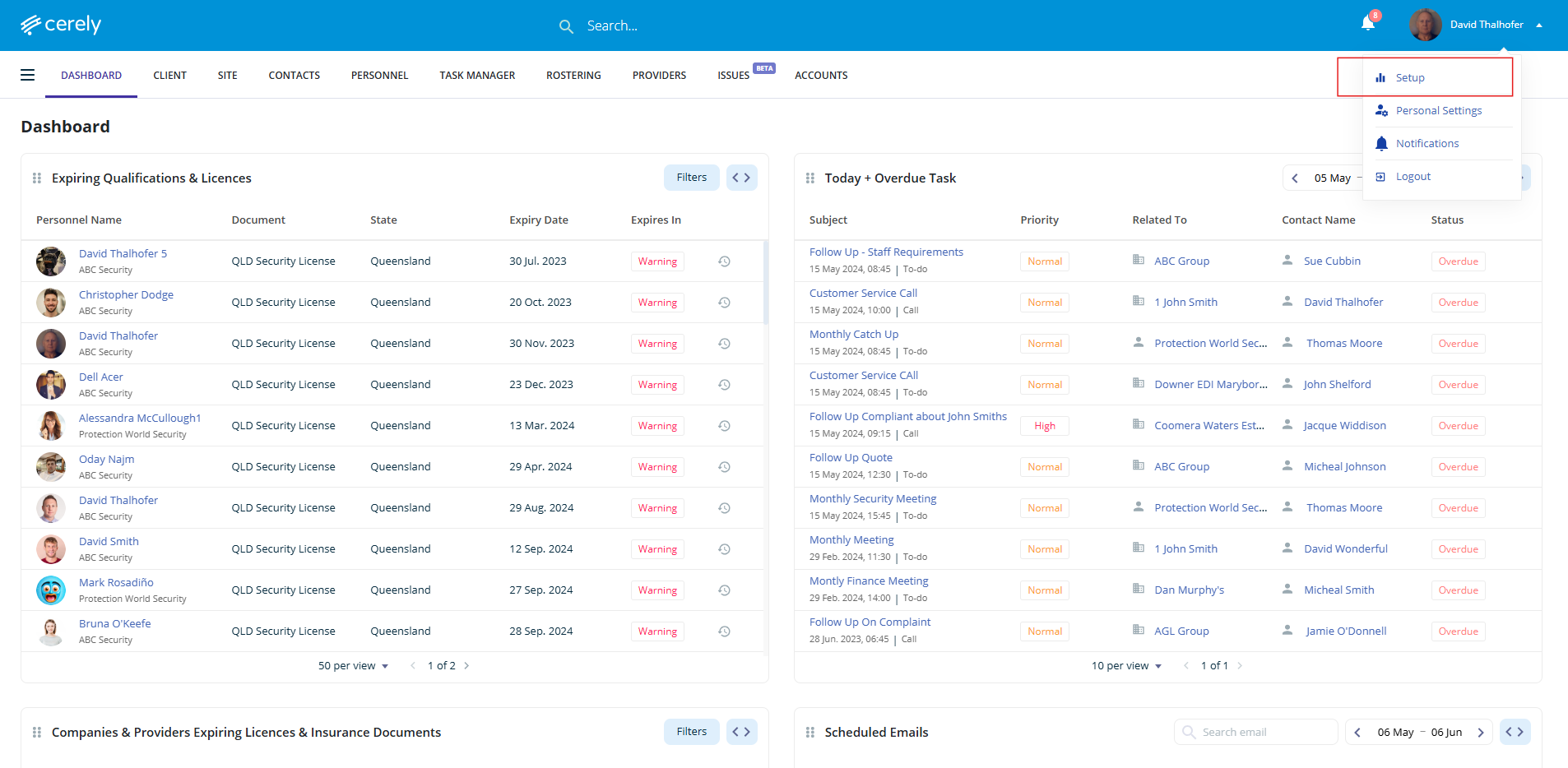
2. Select setup from the dropdown menu
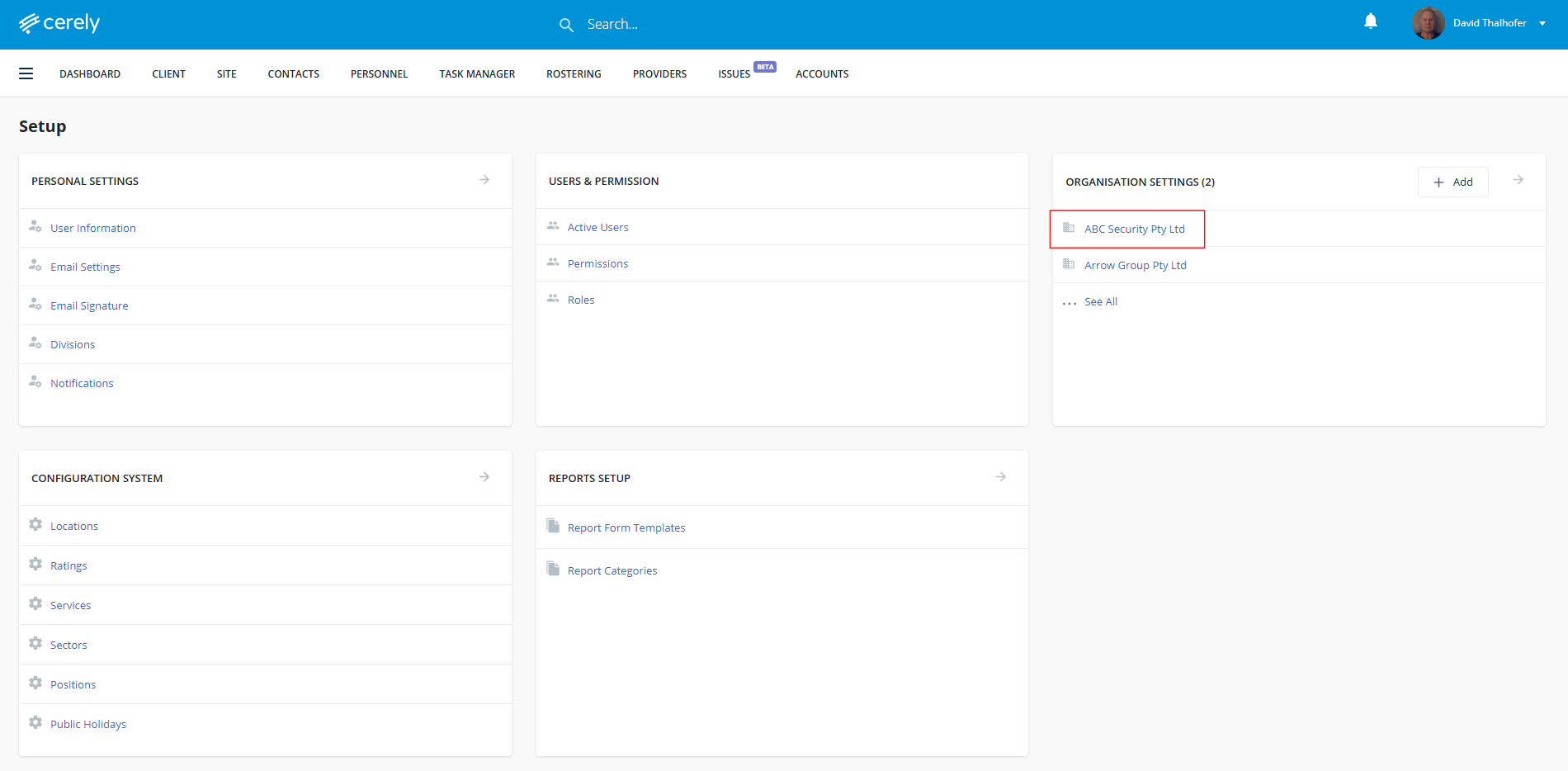
3. Under organisation settings, select your organisation name
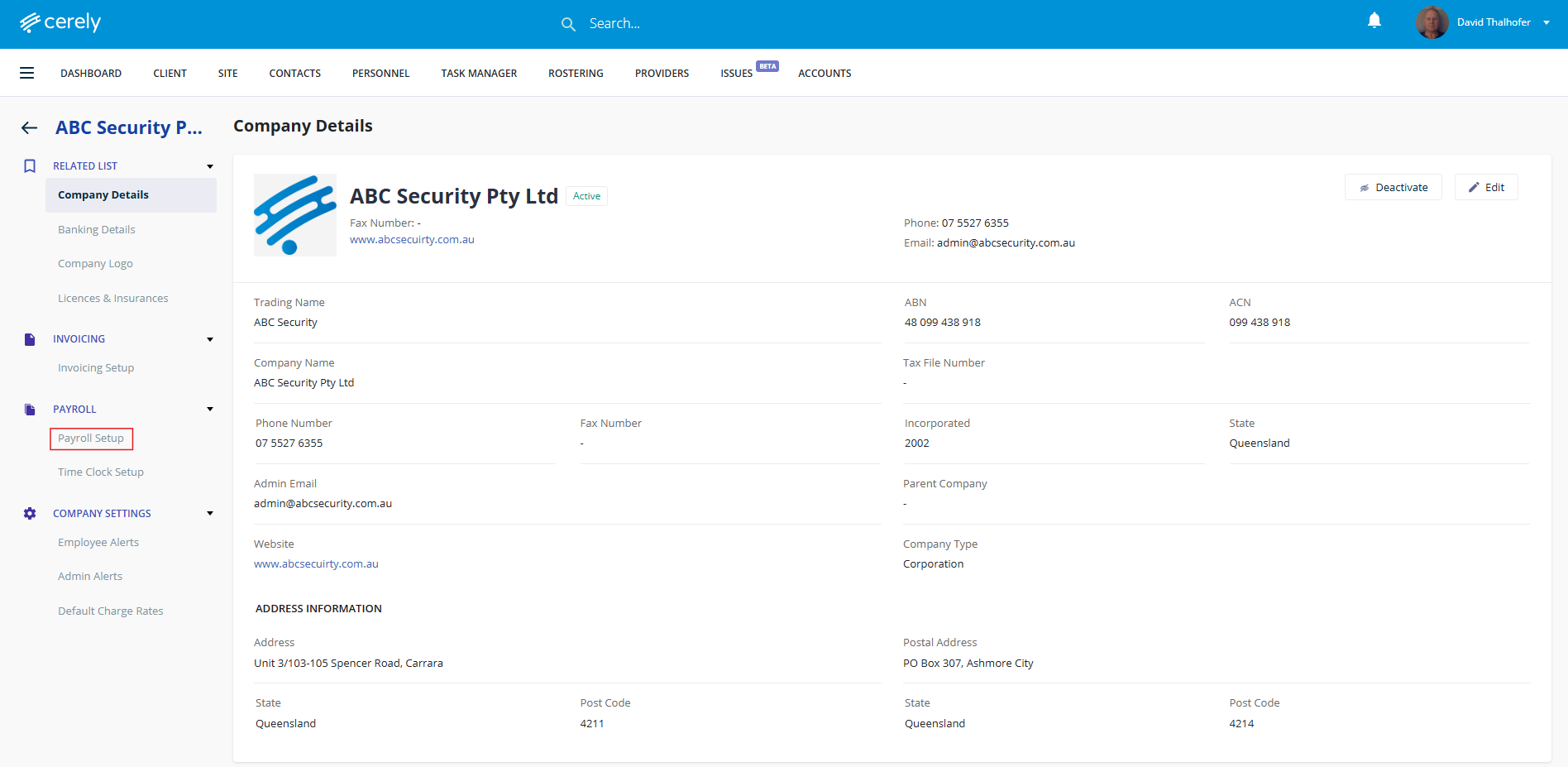
4. In the left-hand menu, click on payroll setup
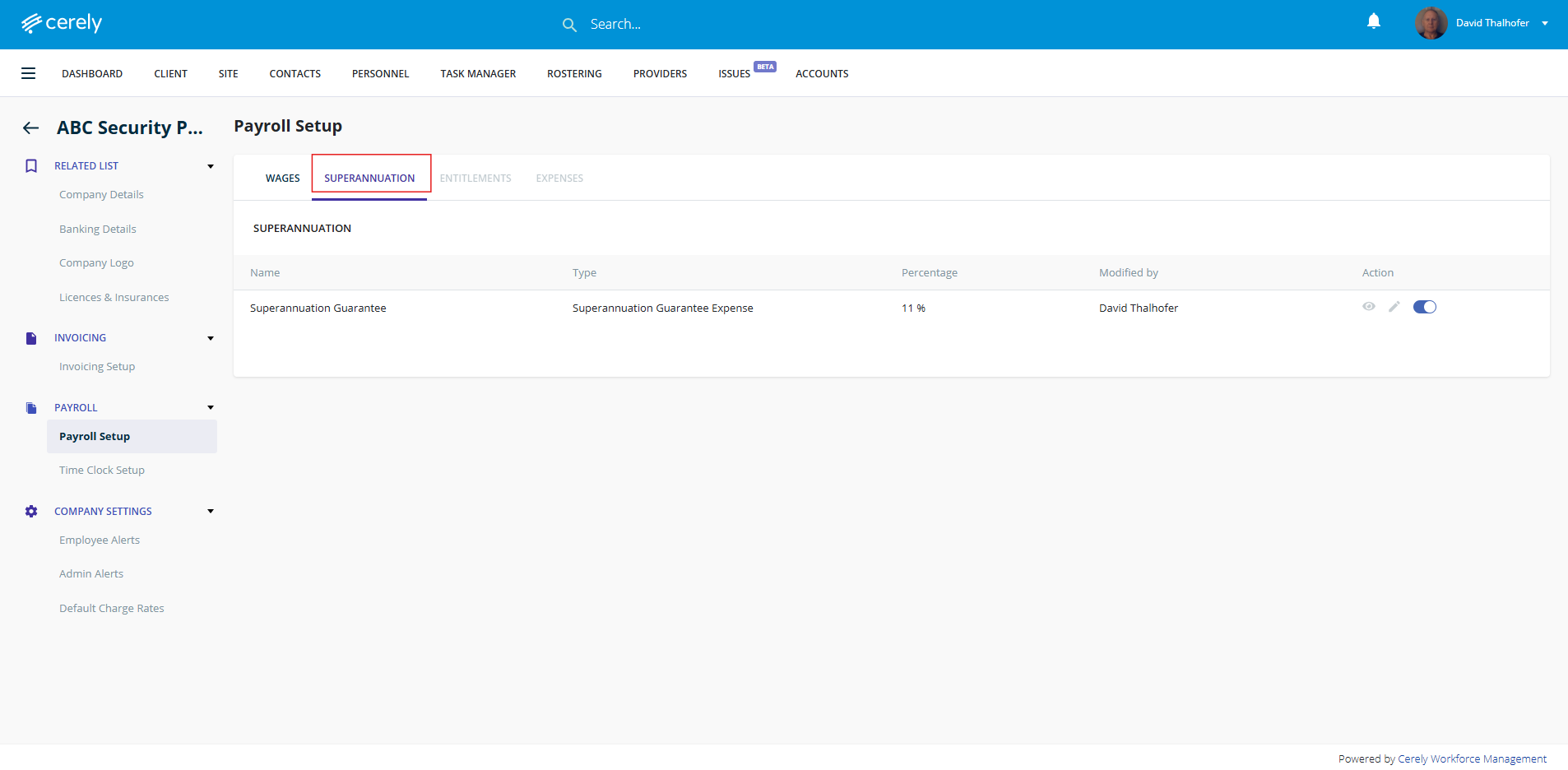
5. Click on the superannuation tab
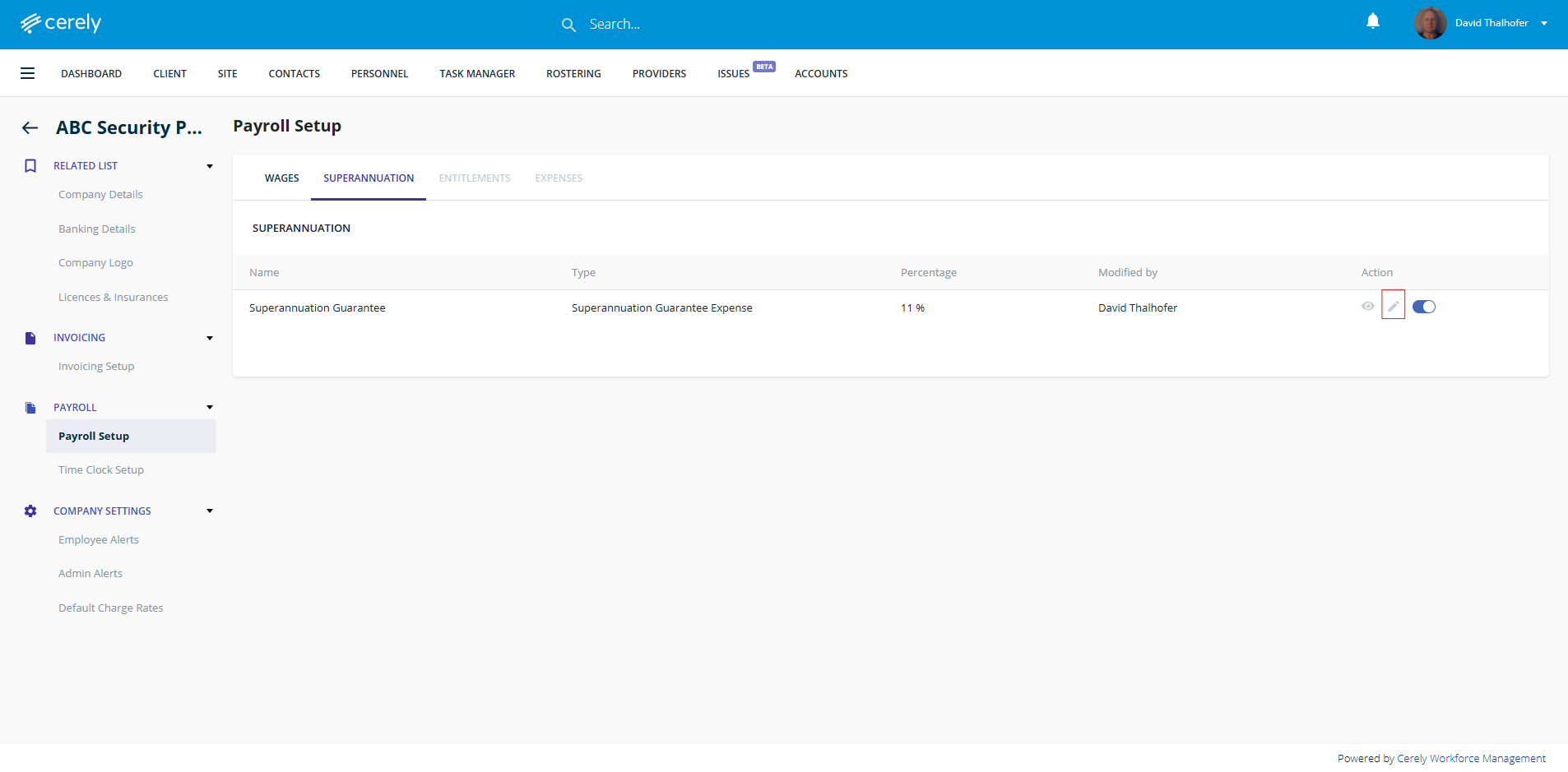
6. Click on the edit icon
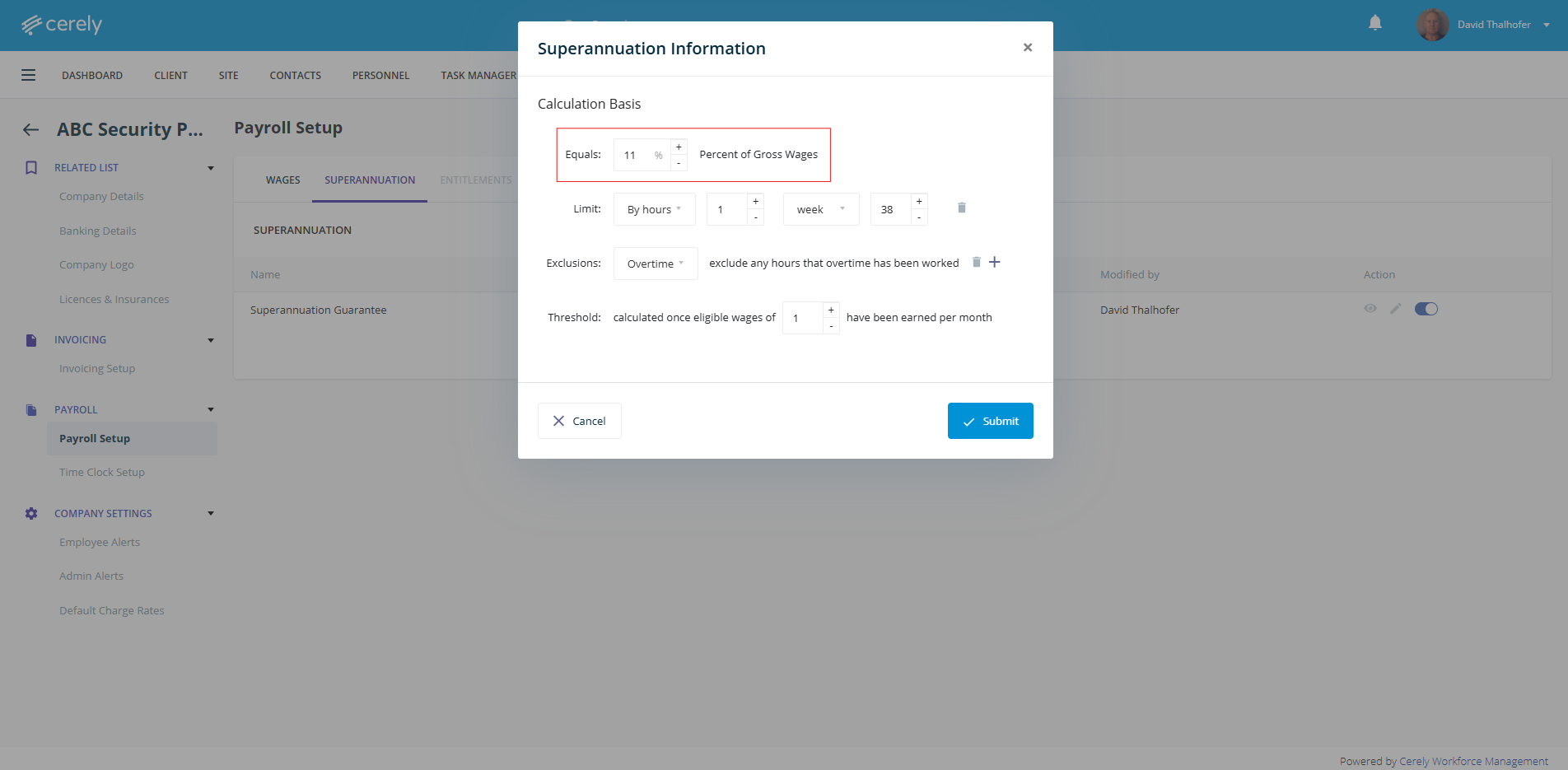
7. Edit the superannuation percentage
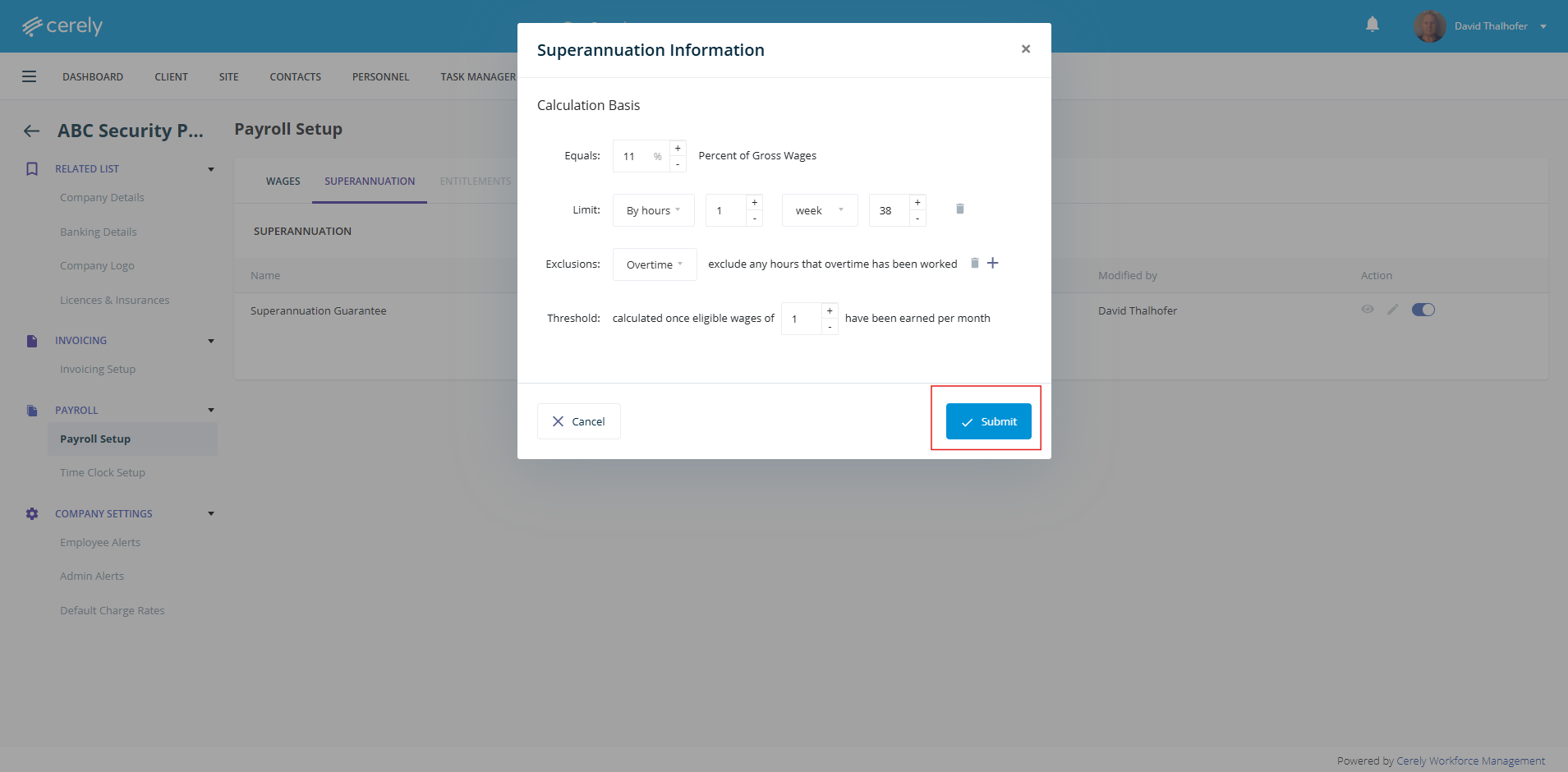
8. Click submit to save the superannuation details. Once you click submit this will automatically update the superannuation percentage effective immediately.
Was this article helpful?
That’s Great!
Thank you for your feedback
Sorry! We couldn't be helpful
Thank you for your feedback
Feedback sent
We appreciate your effort and will try to fix the article