Sending a mass email to your Sites allows you to quickly communicate important updates, reminders, or operational notices across multiple service locations. This guide walks you through filtering Sites, composing your message, and ensuring it reaches the right contacts with a full audit trail.
1. Navigate to the sites tab from the main menu in Cerely.
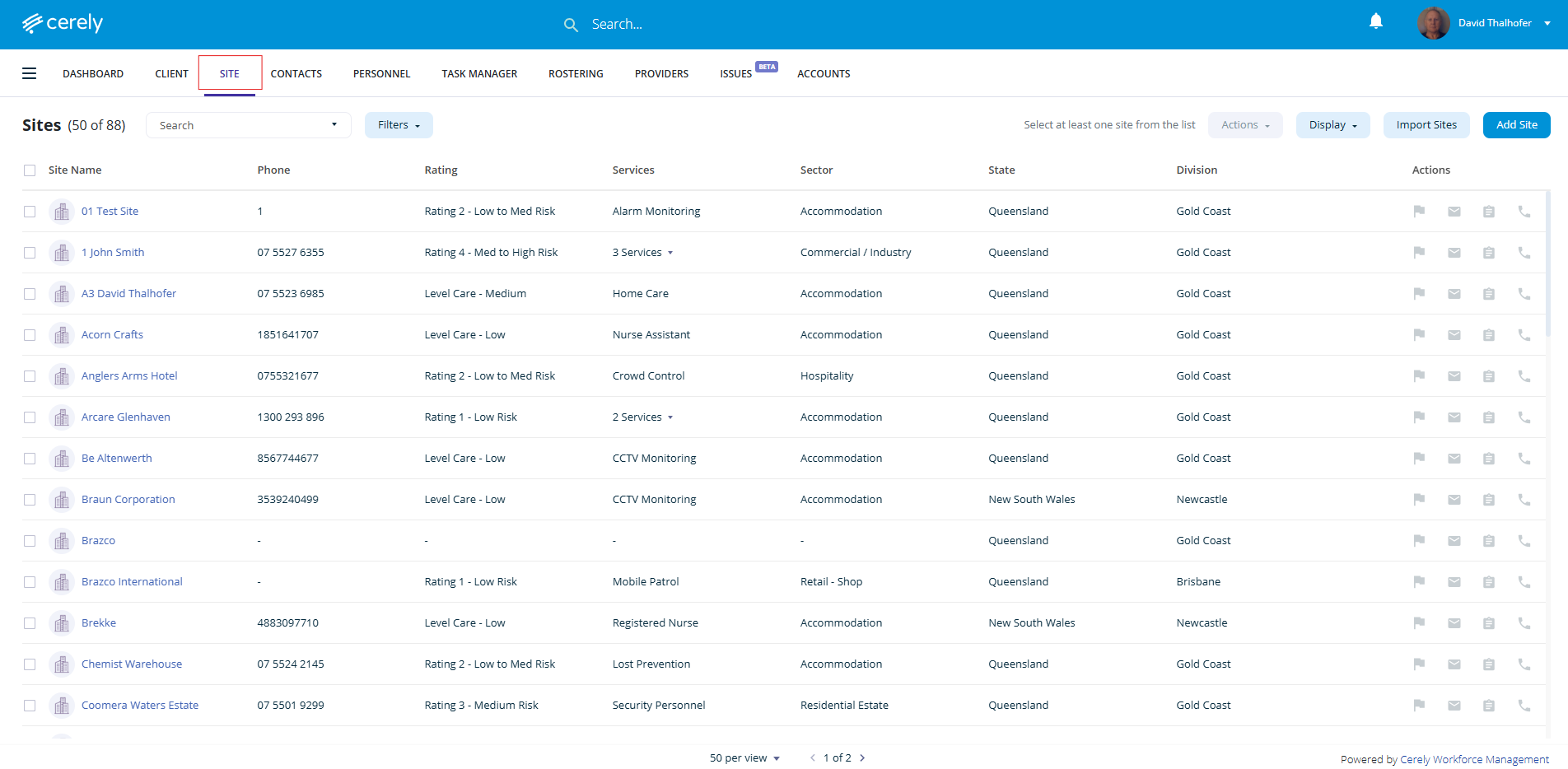
2. Filter the sites
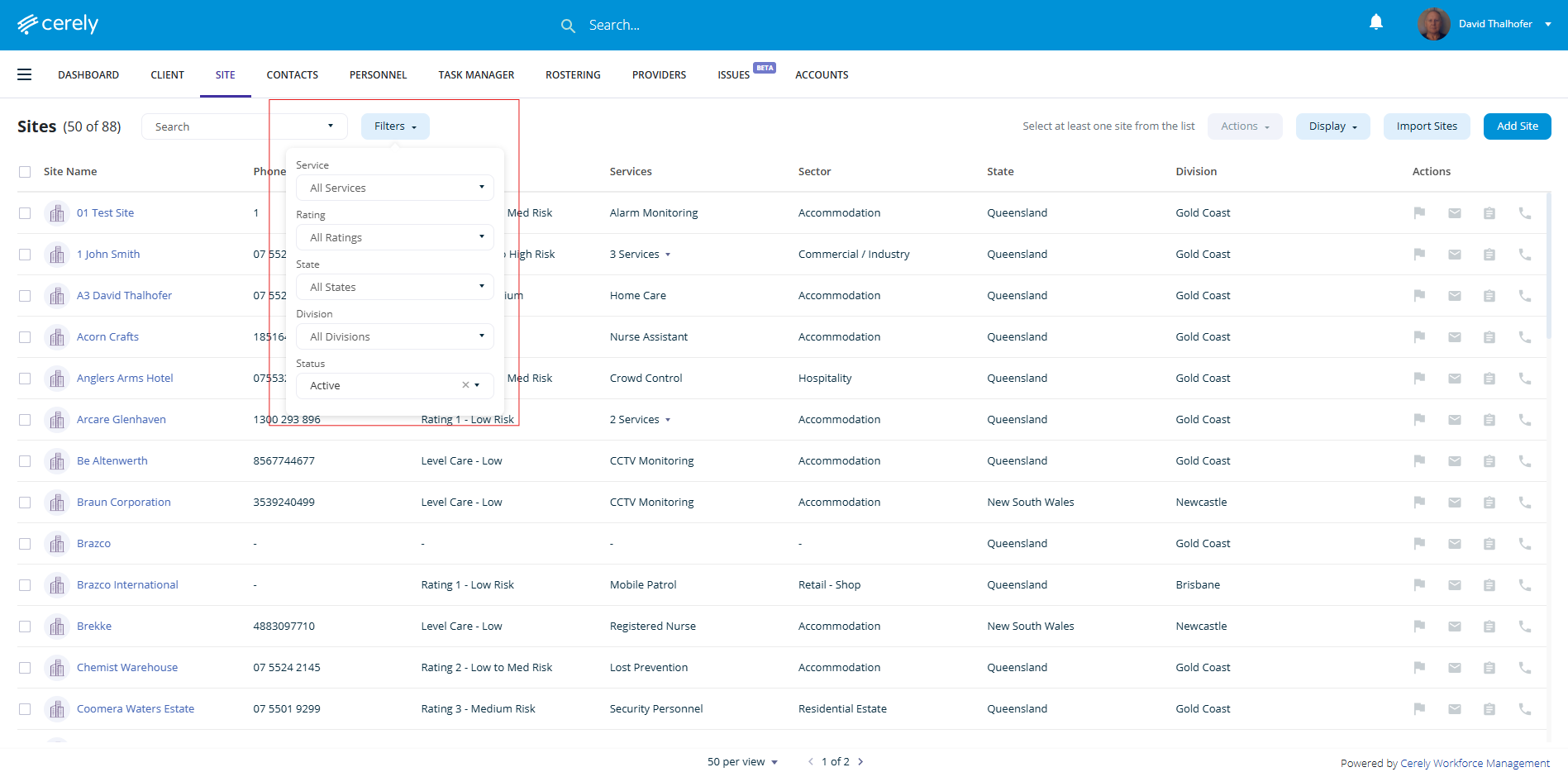
Use the filtering menu at the top of the Sites list to refine your selection. You can filter Sites based on:
Type of services
Choose one or more services associated with the Sites (e.g. Crowd Control, Cash in Transit, Mobile Patrol)
Rating
Filter Sites by their risk rating (e.g., Low, Medium, High). This allows you to target communication based on the level of operational or safety risk associated with each Site
State
Target Sites based on their state or territory
Division
Filter by internal divisions (e.g. Brisbane, Toowoomba, Gold Coast)
Status
Active Sites currently in operation
Inactive Sites that are archived or no longer active
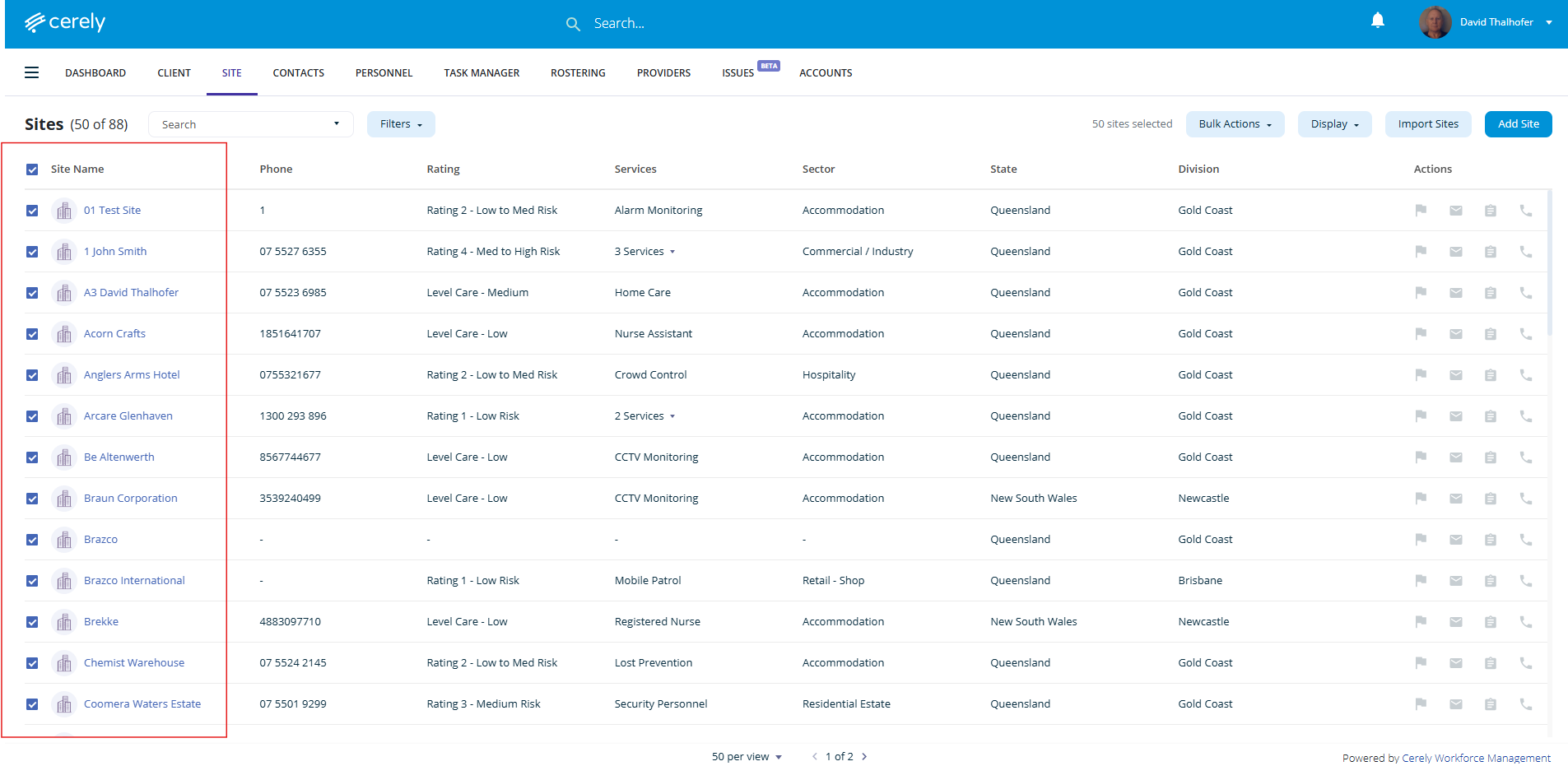
3. Select the sites
Use the checkbox at the top of the list to select all filtered Sites, or
Tick individual Sites you wish to include in the email
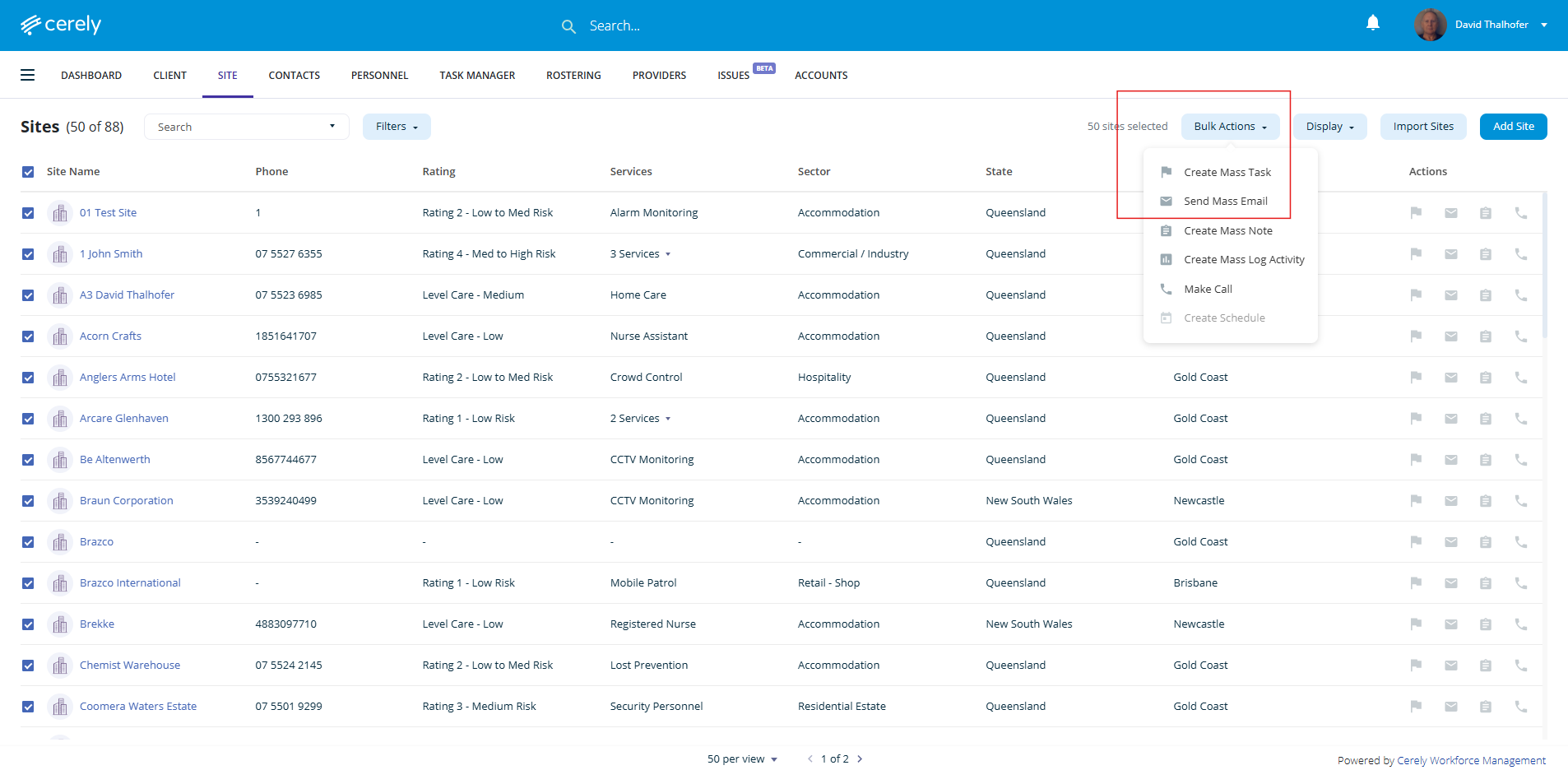
4. Use bulk actions to start the email
Click the bulk actions button in the toolbar
Select send mass email from the dropdown menu
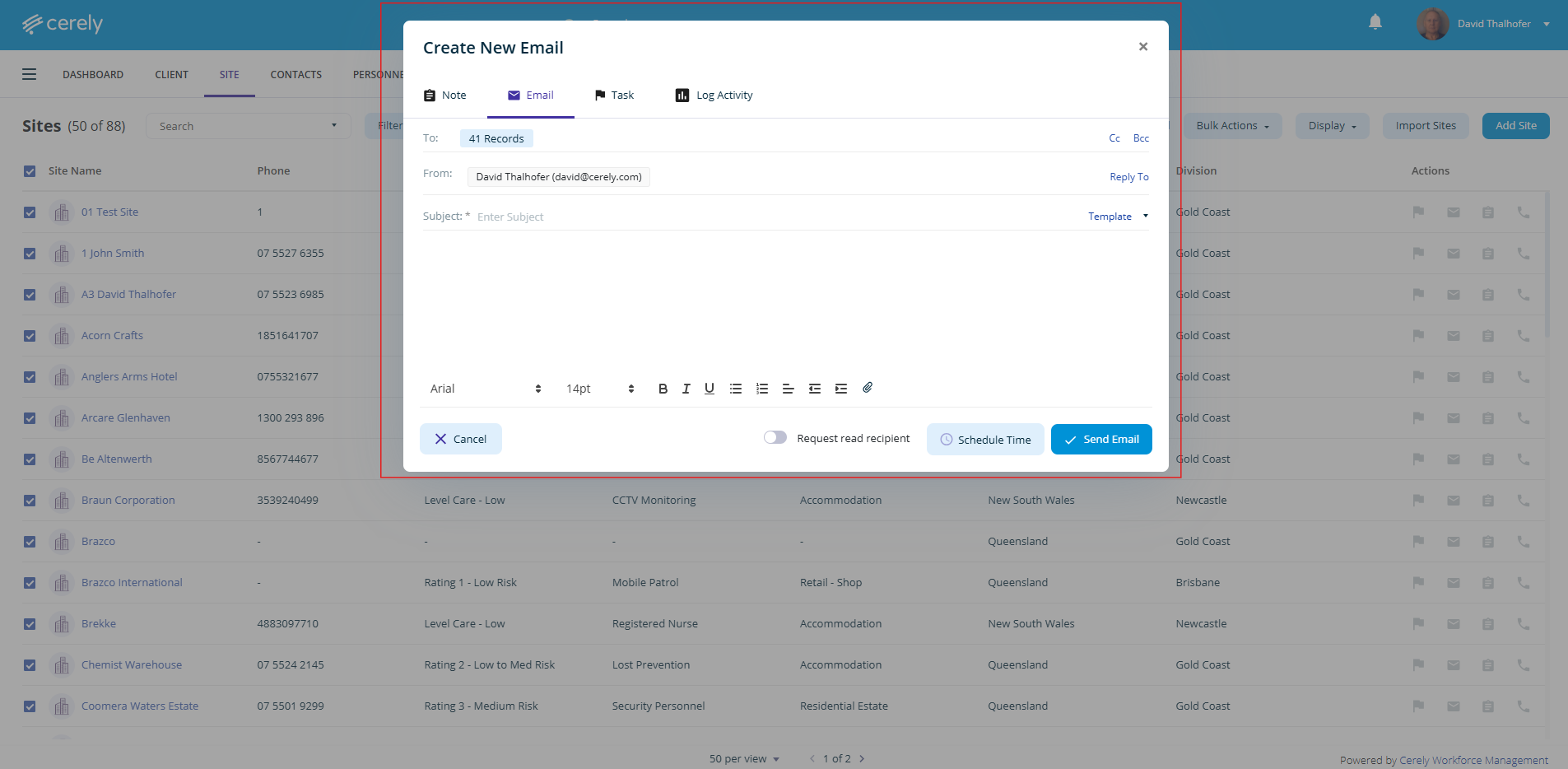
5. Compose your email. You will be taken to the email composition screen, where you can:
Write a new message tailored to the selected sites
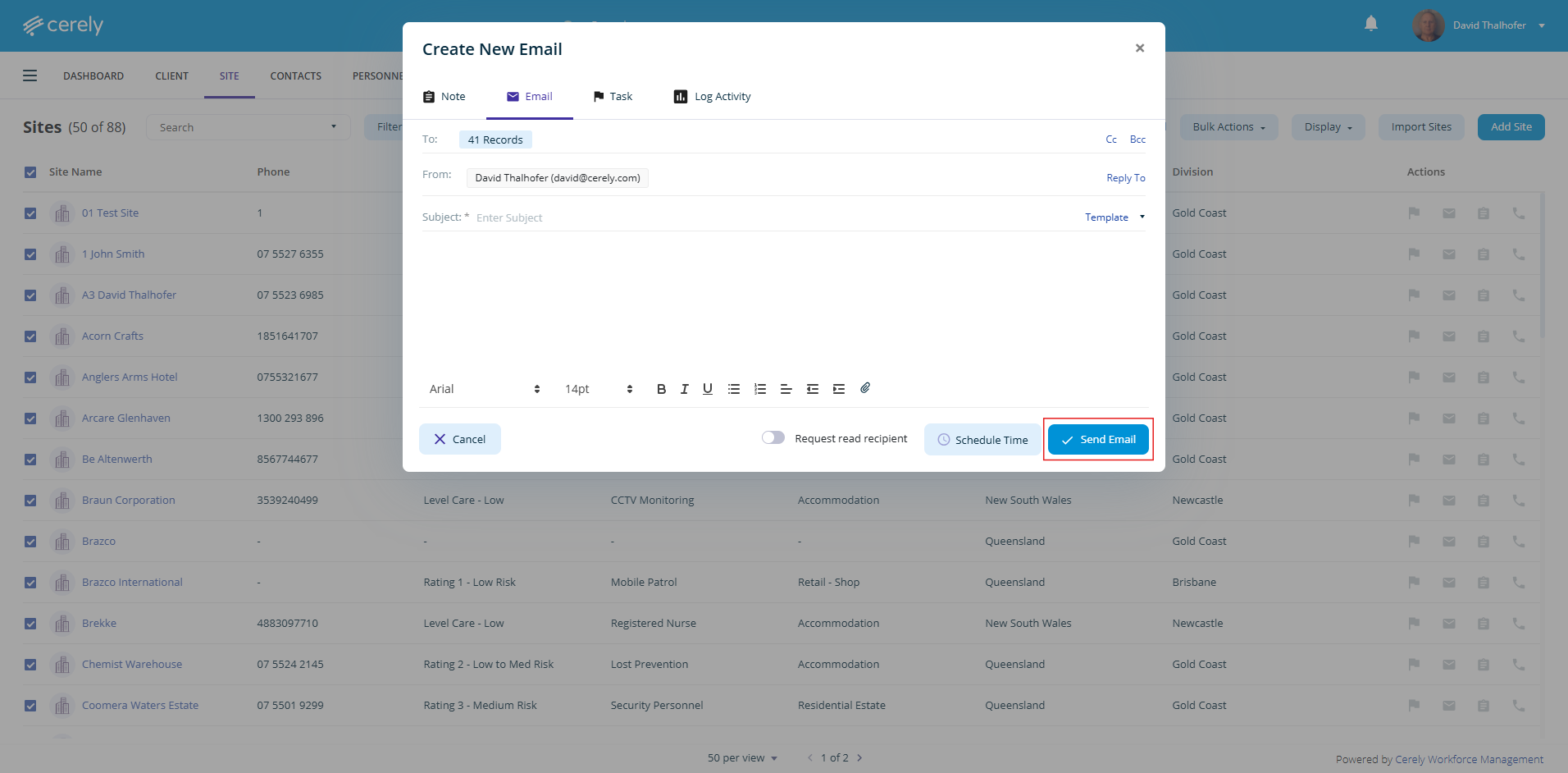
6. Send the email
Important Note:
Emails sent using this method will go only to the registered primary and secondary email addresses listed in each Site’s profile.
A record of the email will also appear in the activity timeline for each Site, providing a clear audit trail of communications for your team.
Tip:
To ensure successful delivery, keep your Site profiles up to date, especially their primary and secondary email fields.
Was this article helpful?
That’s Great!
Thank you for your feedback
Sorry! We couldn't be helpful
Thank you for your feedback
Feedback sent
We appreciate your effort and will try to fix the article