You can update an employee’s personal details at any time by accessing their profile in the Personnel tab.
1. Navigate to the Personnel Tab from the main menu
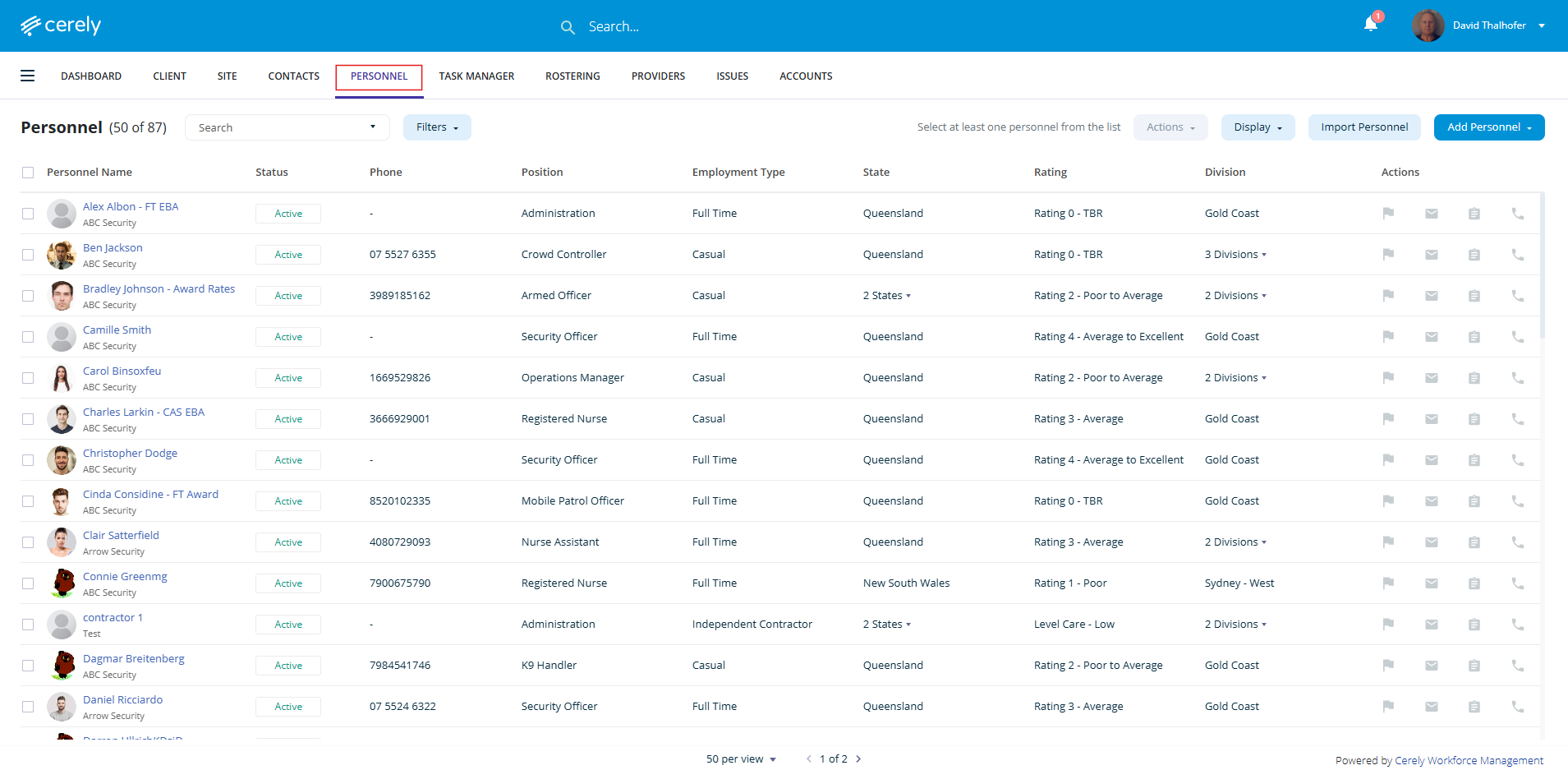
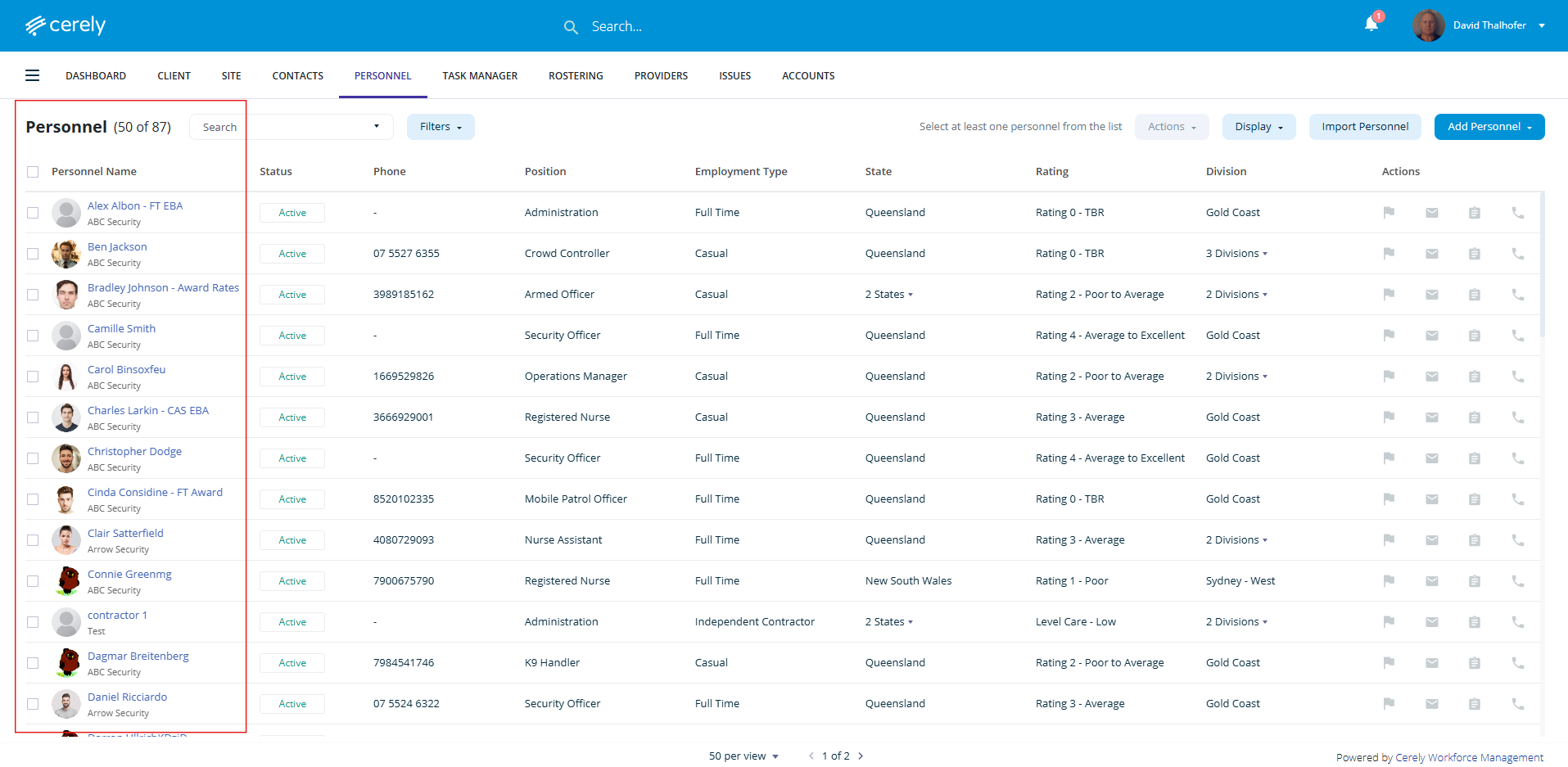
2. Select and click on the employee you wish to update
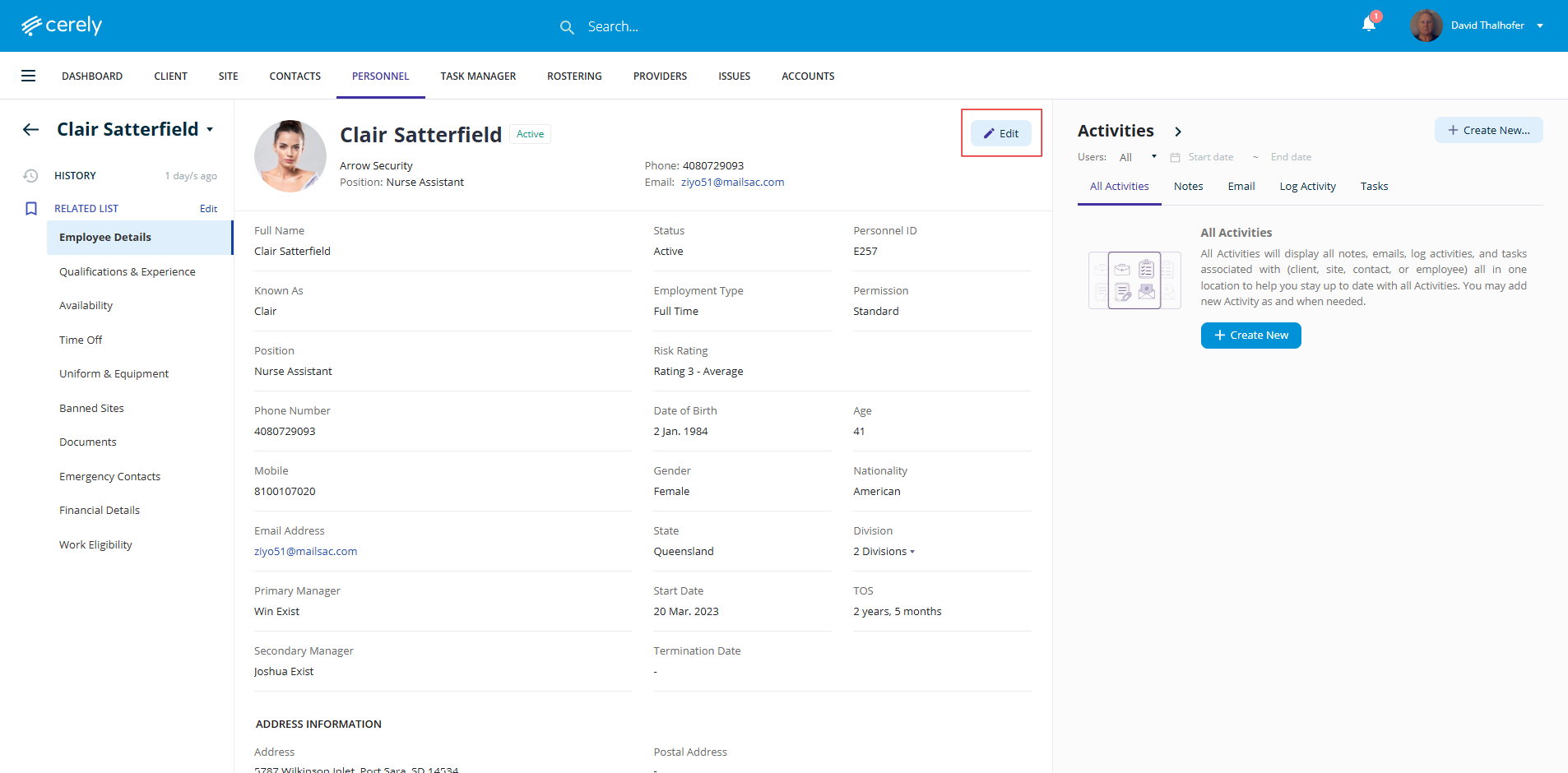
3. Click the Edit button to switch the profile into edit mode
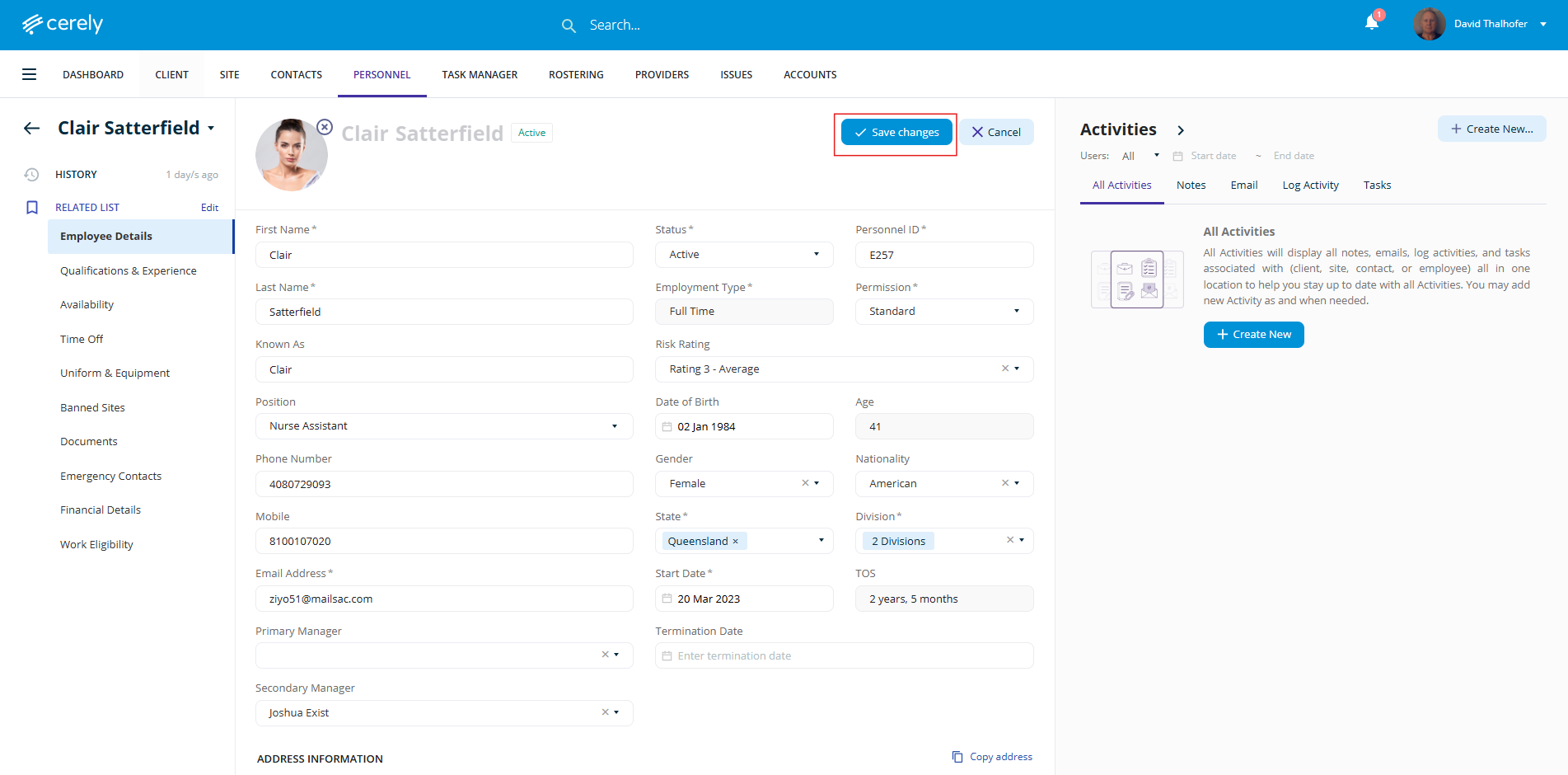
4. Make Any Required Changes
5. Once all necessary updates are made, click Save Changes to apply the updates to the employee record
Was this article helpful?
That’s Great!
Thank you for your feedback
Sorry! We couldn't be helpful
Thank you for your feedback
Feedback sent
We appreciate your effort and will try to fix the article