Easily identify inactive or unrostered employees by viewing the date of their last completed shift through Cerely. This is a great tool to help review your workforce and maintain an up-to-date personnel list.
1. Navigate to the Personnel tab from the main menu
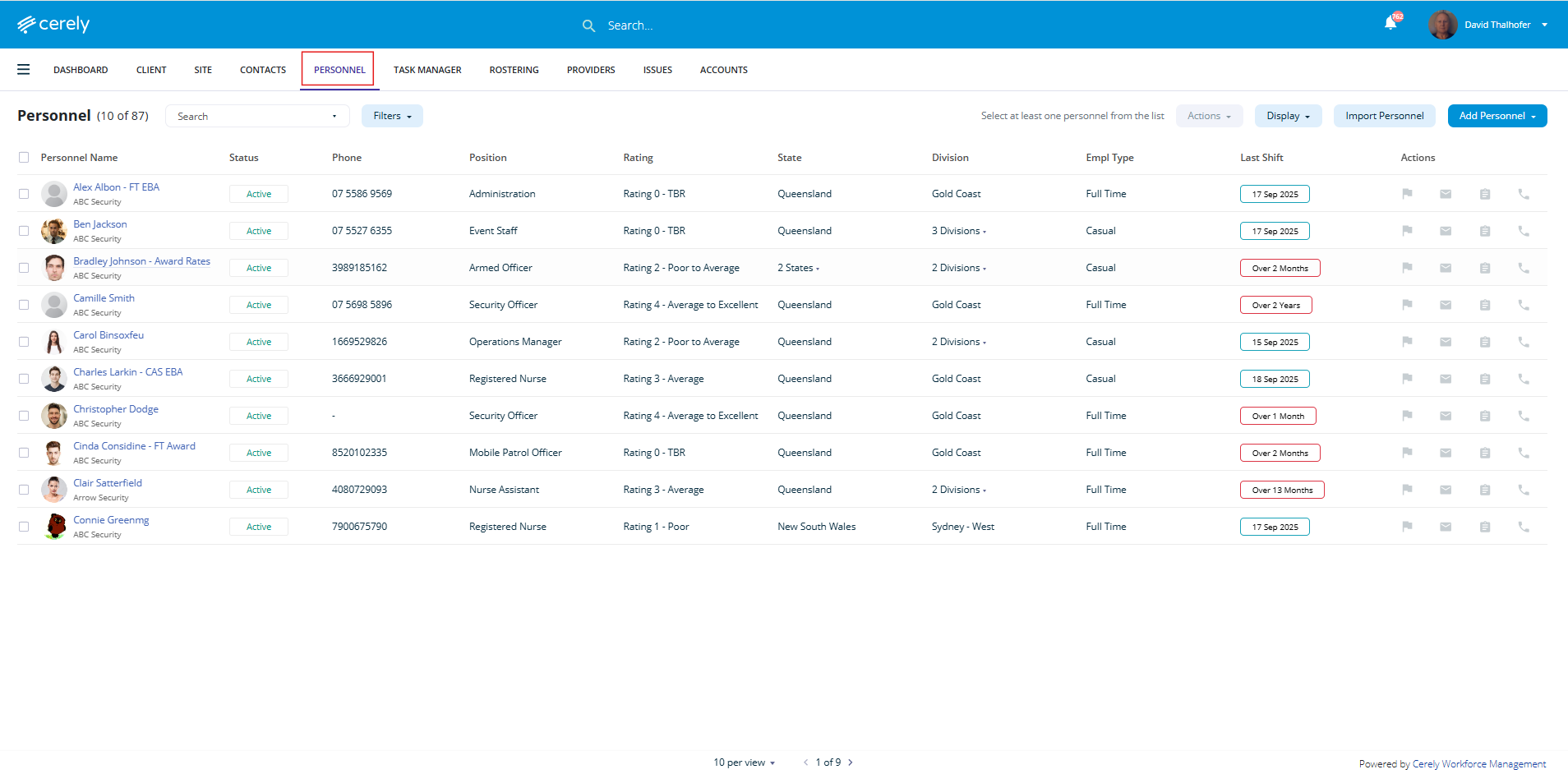
2. Locate the Last Shift Date column
This column automatically displays the most recent date the employee worked a shift through Cerely.
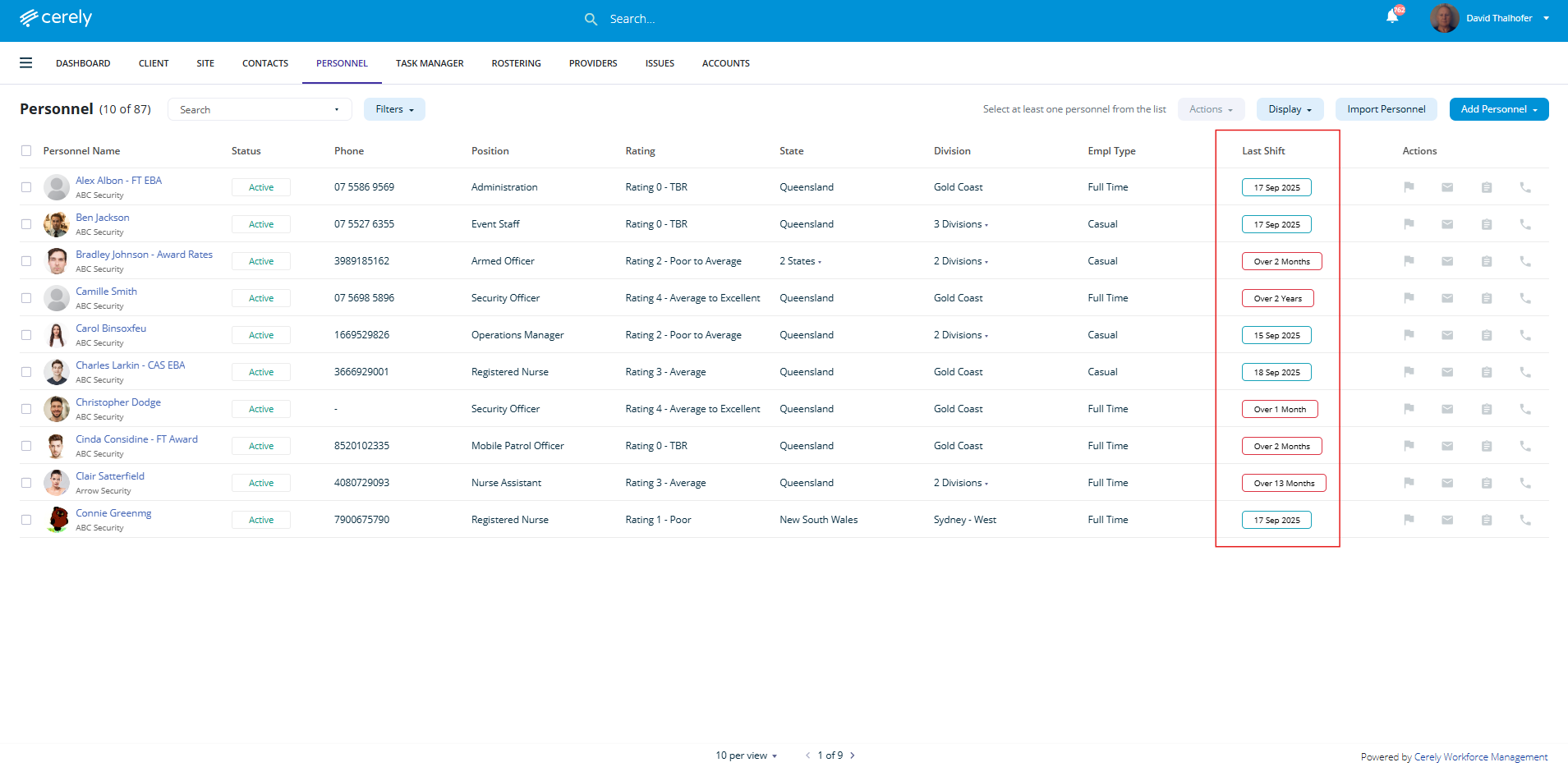
Note: The Last Shift Date is based on the last clocked-in shift that is linked to a timesheet in the system as at the current date. If a shift was never clocked in or not linked to a timesheet, it won’t be included in the last shift date.
Was this article helpful?
That’s Great!
Thank you for your feedback
Sorry! We couldn't be helpful
Thank you for your feedback
Feedback sent
We appreciate your effort and will try to fix the article